
This morning I did my usual thing of playing with Affinity Designer on the iPad. I started off with a random word ‘Sigma’ which I coloured then added 3D and embossing to.
I then added a black pixel brush layer which I also 3D/embossed. I ended up with this…..

I then turned the pixel colour white.

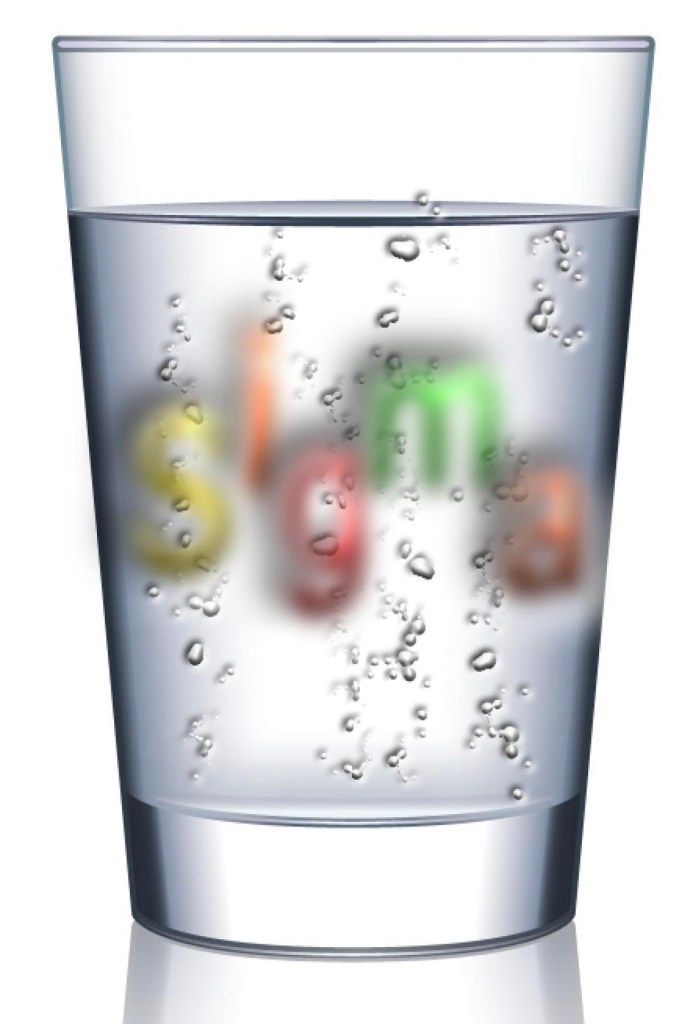
I thought they would look like bubbles against a white background so I took a photo of a glass of water……

Then added the white 3D embossing pixel layer……

Then I took my 3D sigma logo and put it behind the glass…..
Then changed it for a slice of lemon……

I did have to use Affinity Photo 2 to extract the lemon from its background.
Good fun for a Sunday who needs AI 😎😎😎😎😎
 Voted the 57 millionth best blog in the world